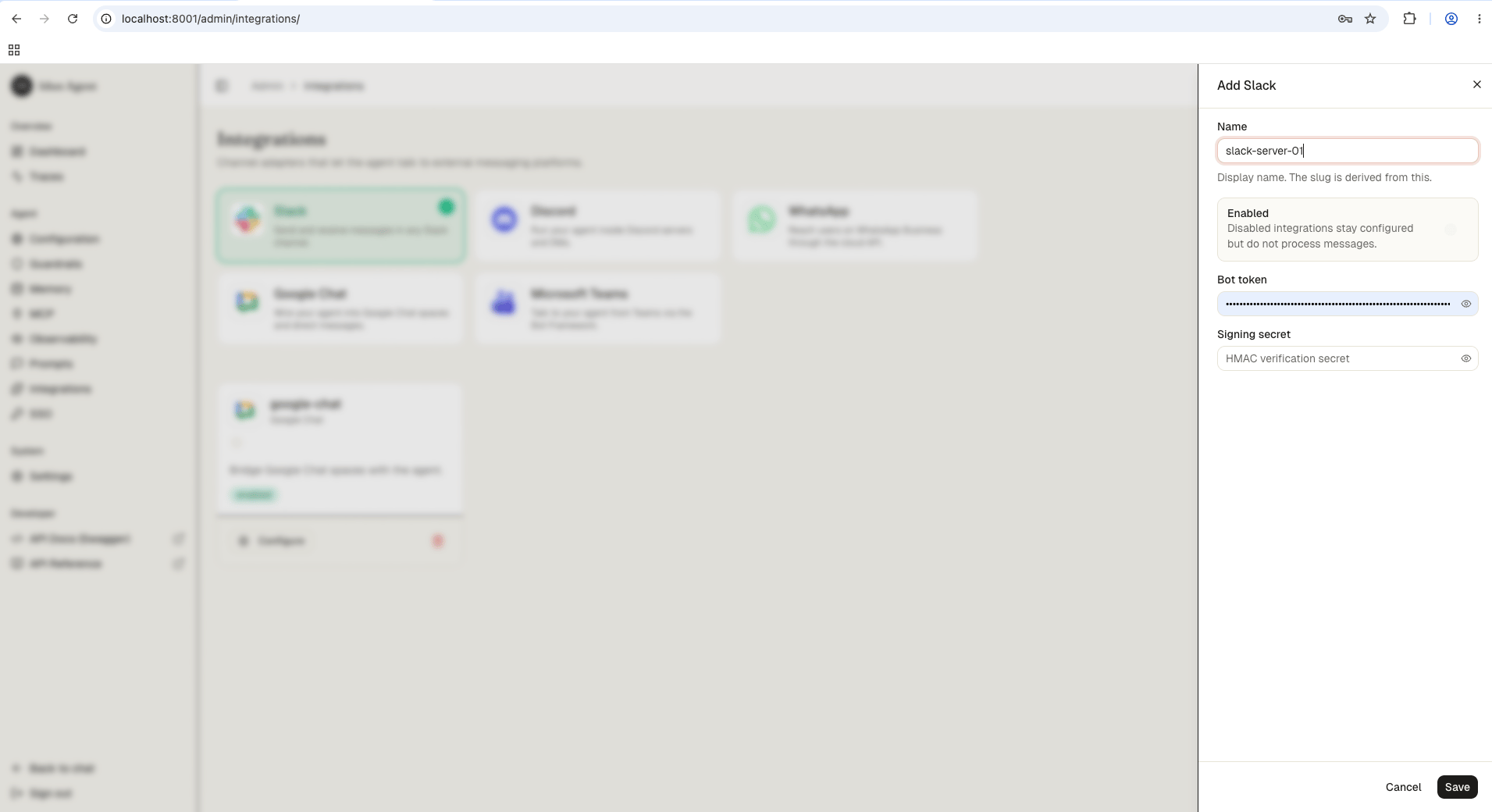
Navigate to /admin/integrations/ in the running standalone. The channel catalog shows WhatsApp, Discord, Google Chat, Slack, and Microsoft Teams as active channels.
2
Create the Slack integration
Click Slack and fill in the bot token and signing secret.
Field
Value
bot_token
Bot User OAuth Token from your Slack app (xoxb-...)
signing_secret
Signing secret from your Slack app
3
Save
Save the form. The reload pipeline registers the Slack webhook handler on the running engine; the agent now responds to messages forwarded by Slack.
Signing secret from step 2 (used for HMAC-SHA256 request verification)
4
Enable event subscriptions
Make sure your engine is running and publicly reachable
In the Slack API Portal, go to Event Subscriptions > toggle ON
Set Request URL to:
https://<your-domain>/integrations/slack/webhook
Slack sends a url_verification challenge. The engine handles this automatically. You should see a green Verified checkmark.
Under Subscribe to bot events, add:
message.im (messages in direct conversations with the bot)
message.channels (messages in channels the bot is a member of)
Click Save Changes
If you see a yellow banner saying “You’ve changed the permission scopes. Please reinstall your app”, click the reinstall link. Events are not delivered until you reinstall.
5
Enable the messages tab
Go to App Home in the sidebar
Under Show Tabs, enable the Messages Tab
Check “Allow users to send Slash commands and messages from the messages tab”
6
Invite the bot to a channel
If you want the bot to respond in channels (not only DMs):
Go to the channel in Slack and type /invite @YourBotName
Or click the channel name > Integrations tab > Add an App
7
Test it
Open Slack
Send a direct message to your bot, or post in a channel it has been invited to
Your agent processes the message and replies in the same conversation
Engine verifies the HMAC-SHA256 signature using the signing secret
Engine invokes the agent with the message text
Engine sends the agent’s reply back via the Slack Web API (chat.postMessage)
Session tracking: The Slack user ID is used as the session ID, so conversation context is maintained per user.Bot messages ignored: The handler skips messages with a bot_id to avoid infinite loops.