The Idun CLI: one console script (idun) for serving the standalone, scaffolding a new project, hashing passwords, and running engine-only mode.
idun is the single console script installed by pip install idun-agent-engine. It covers the full lifecycle: scaffold a project, serve the standalone, run engine-only, hash a password, pre-stage migrations. All commands accept --help.
First-run bootstrap. Opens the browser to the wizard if no agent row exists yet. Idempotent.
idun setup
Yes
Yes (only if rows missing)
No
Pre-stage the DB during a deploy, or re-run the seeder after wiping rows.
idun serve
No
No
Yes
Steady-state startup. DB is the source of truth; config.yaml is not consulted.
idun agent serve
No
No
Yes
Engine-only mode. No DB, no admin surface, just the engine routes.
idun hash-password
No
No
No
Print a bcrypt hash for IDUN_ADMIN_PASSWORD_HASH.
The seeder writes a row only if the corresponding table is empty. To re-seed after config.yaml changes, clear the row first (or delete idun_standalone.db for a full reset) and re-run idun setup. See Troubleshooting for the full re-seed recipe.
Initialize Idun in the current folder and launch chat + admin in one step. Runs migrations, seeds from config.yaml if present, opens the browser, and boots the standalone server. Idempotent, so re-running on an already-initialized folder just re-launches.
idun init
Flag
Default
Description
--port <int>
IDUN_PORT env, then 8000
Bind port.
--no-browser
off
Skip the automatic browser open. Useful for headless / Cloud Run.
Run the standalone server. The DB is the source of truth in steady state; on first boot, if the DB is empty and IDUN_CONFIG_PATH points to a YAML file, the file seeds the DB.
idun serve
No flags. All configuration is read from environment variables (see Environment variables).
Create the DB schema and seed it from YAML if the DB is empty. Called automatically by serve and init, but operators can run it directly to pre-stage migrations during a deploy.
--source manager is still present in idun agent serve --help as a leftover from the pre-0.6.0 manager-tier deployment model. It is deprecated and unsupported: the manager service no longer ships with the platform. Use --source file only.
Admin gate. none for laptop dev; password for containers.
IDUN_ADMIN_PASSWORD_HASH
empty
Bcrypt admin hash. Required on the first boot under IDUN_ADMIN_AUTH_MODE=password to seed the singleton admin row; subsequent boots ignore this variable and read the hash from the DB. Generate with idun hash-password.
IDUN_SESSION_SECRET
empty
At least 32 characters. Signs the idun_session cookie. Required when IDUN_ADMIN_AUTH_MODE=password; startup fails fast if shorter.
IDUN_SESSION_TTL_HOURS
24
Session cookie lifetime in hours (range 1..720).
IDUN_ALLOW_OPEN_ADMIN
false
Opt-in flag that lets auth_mode=none bind 0.0.0.0 / ::. Containers and trusted networks only.
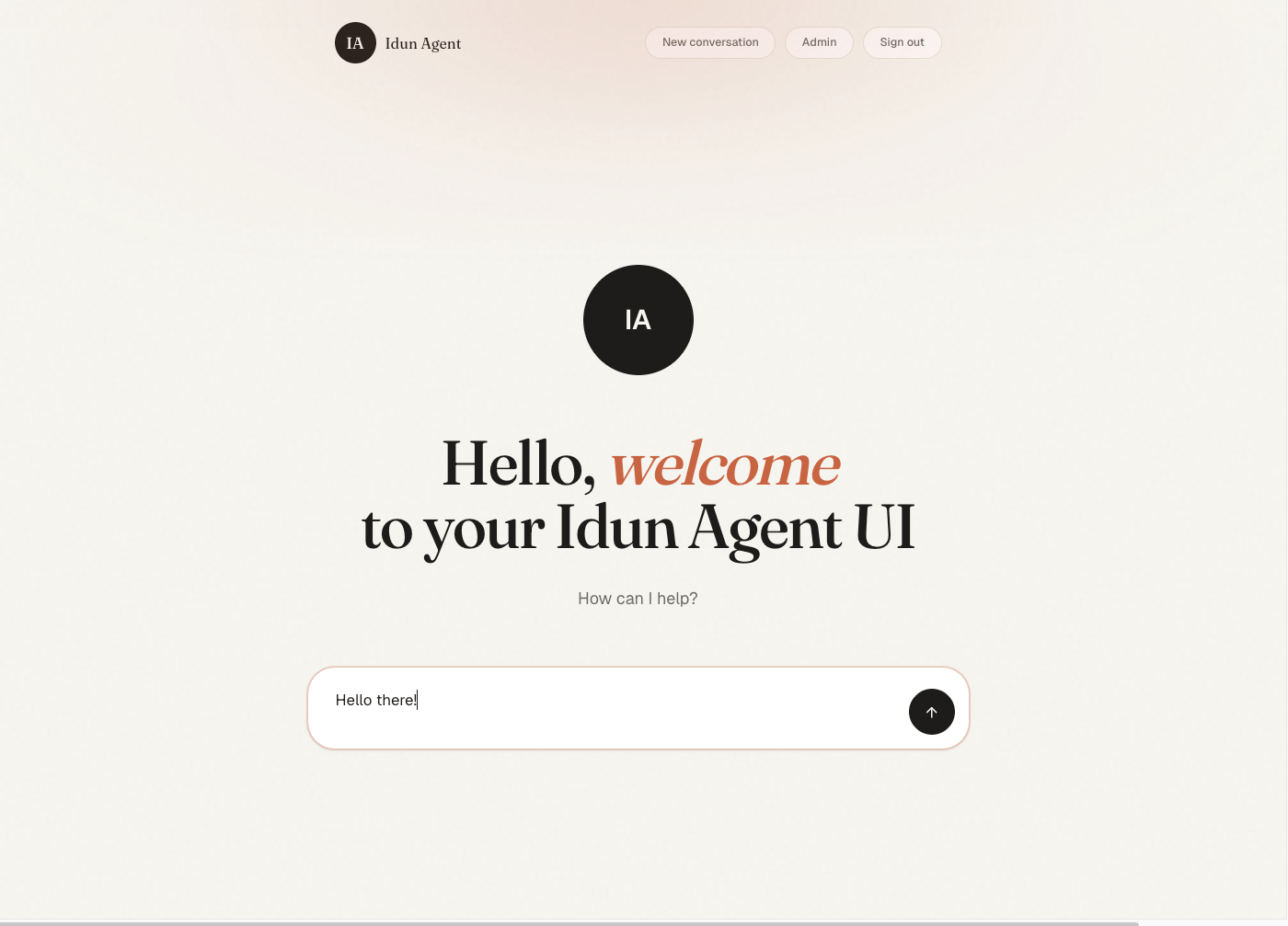
Once idun serve is up, open the bundled chat UI at http://localhost:8000/. You land on the welcome screen.
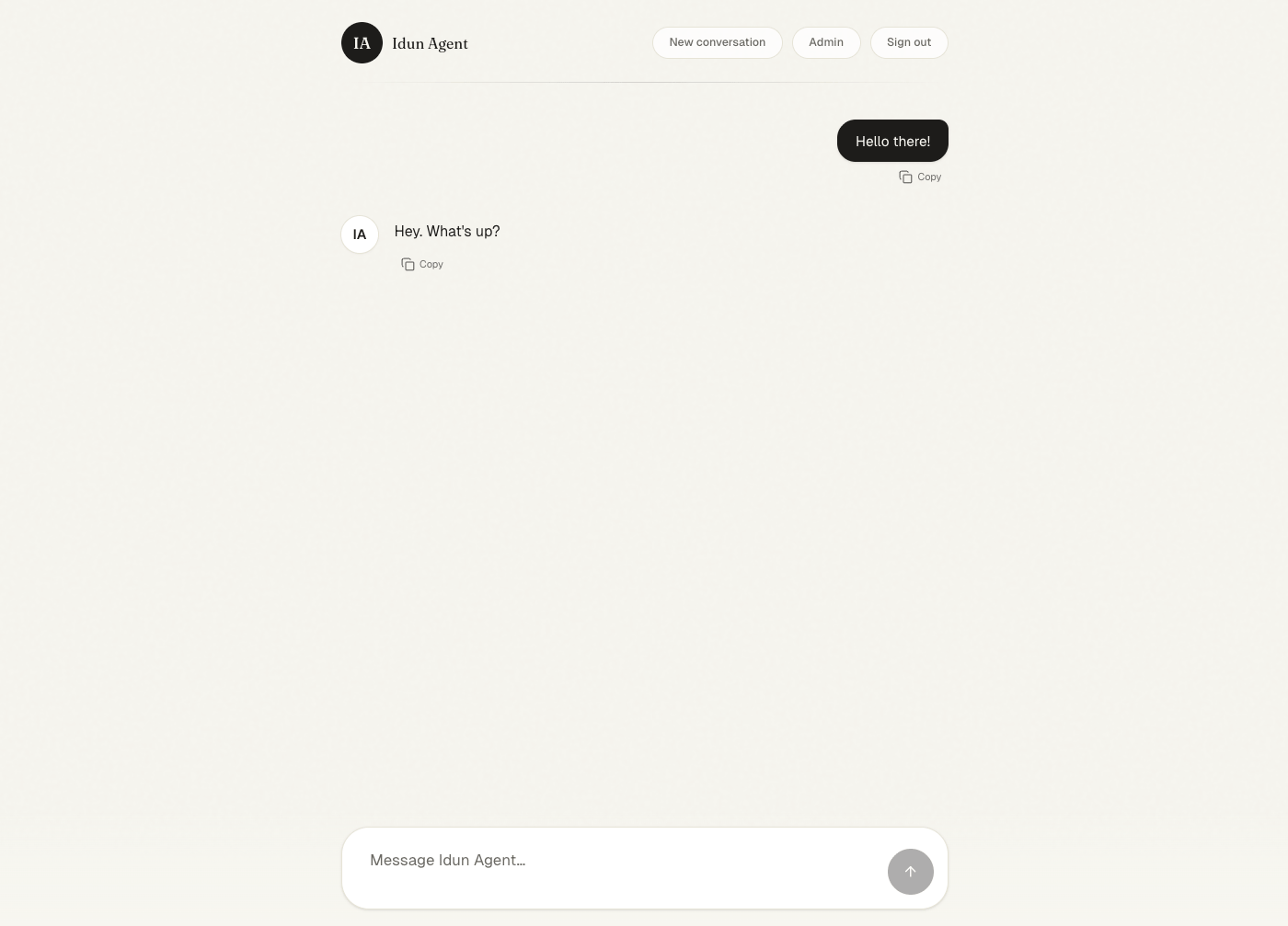
Send a message. The chat surface streams the AG-UI response in real time and renders tool calls inline.
Open /admin/traces/ to inspect the run after it completes. If you need to hit /agent/run directly from a script or external client, see Programmatic chat for the request shape and SSE event stream.